
We all have that one group chat or contact that sends a few too many messages. You don't want to block them, but you also don't need your phone buzzing every thirty seconds.
Here is how to quietly mute them without any awkwardness and without them being any the wiser.
Open the Messages app.
Swipe left on the conversation you want to mute.
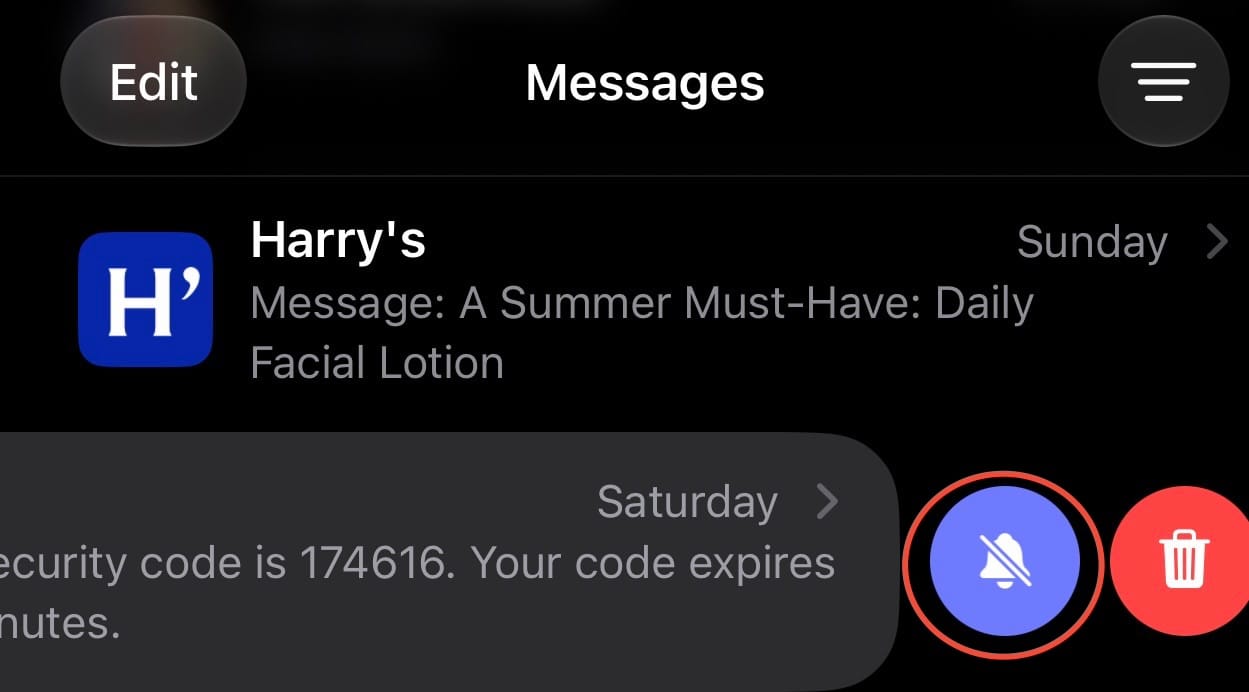
Tap the purple Hide Alerts icon (it looks like a crossed-out bell).
You will still get their messages, but your phone won't light up or buzz. When you're ready to unmute, just swipe left and tap the bell again.