
If you’ve ever taken five photos of the exact same thing just to get the perfect shot, your iPhone is probably full of duplicate images taking up valuable storage space. Fortunately, your phone has a built-in tool to clean them up automatically.
How to merge your duplicate photos:
Open the Photos app.
Tap the Collections tab at the bottom of the screen.

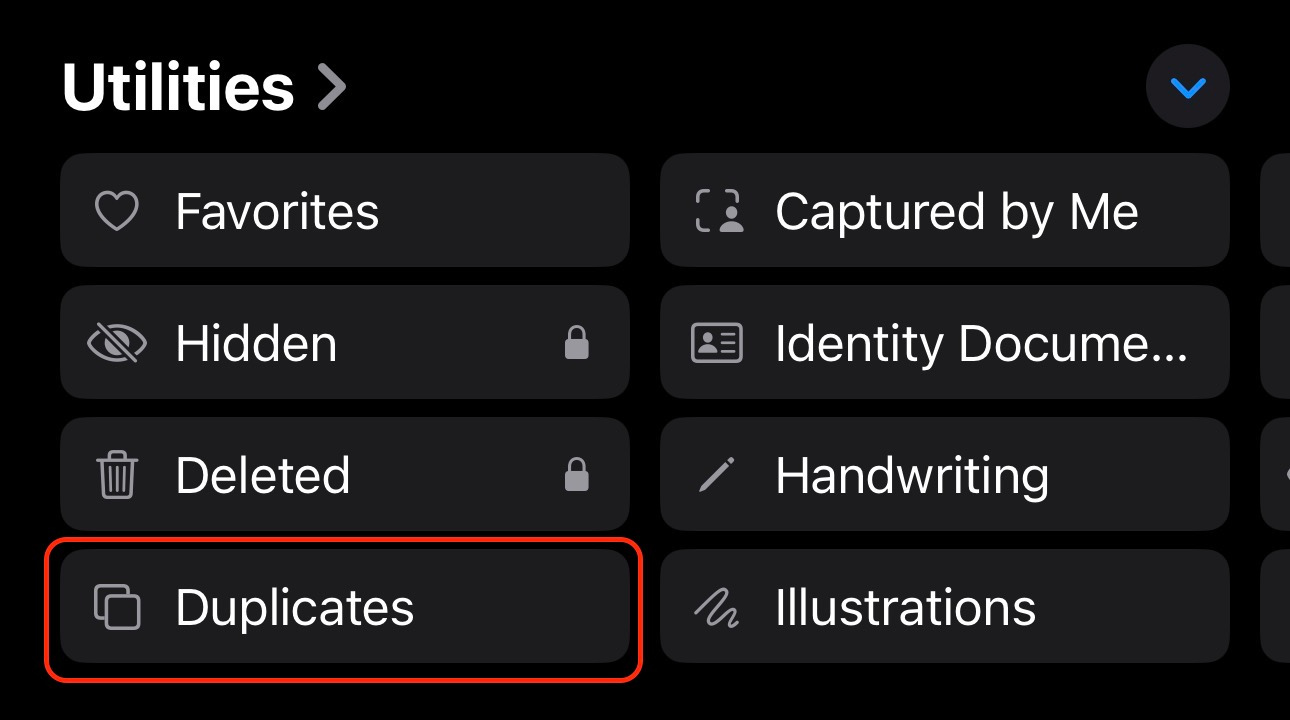
Scroll all the way down to the Utilities section and tap Duplicates.
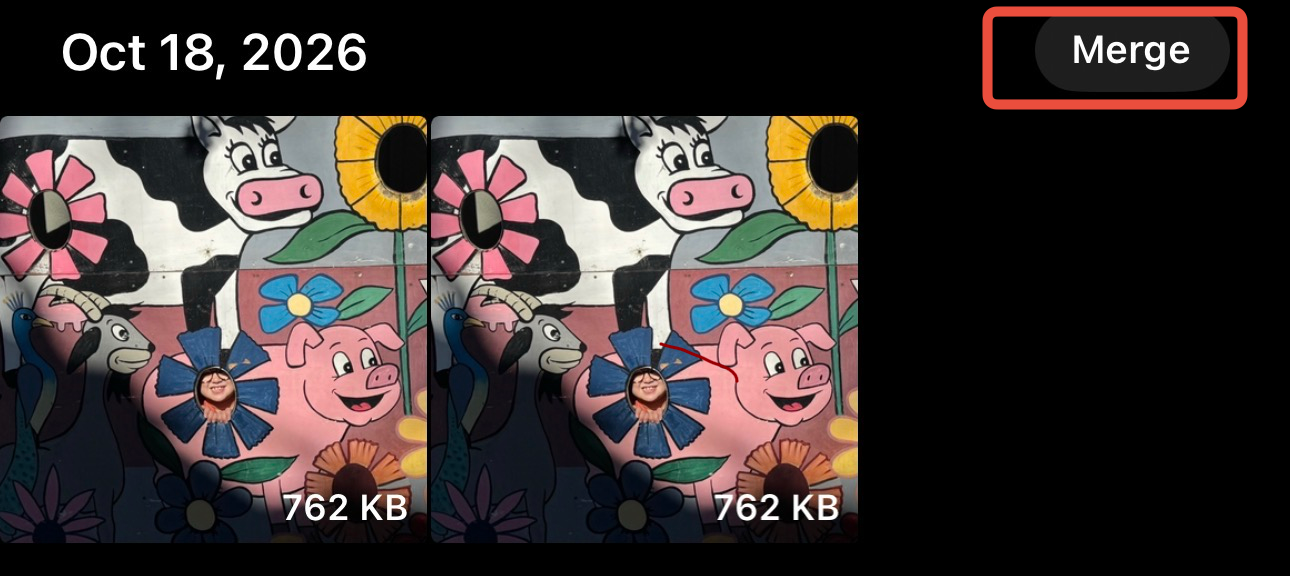
Tap Merge next to any pair of photos, or tap Select in the top right corner to merge them all at once.
Why this is great:
Your iPhone automatically keeps the highest quality version of the photo and combines all the relevant data (like captions, keywords, and favorites) into one single file. The rest are sent to the Recently Deleted folder, freeing up your storage instantly!